Max Headroom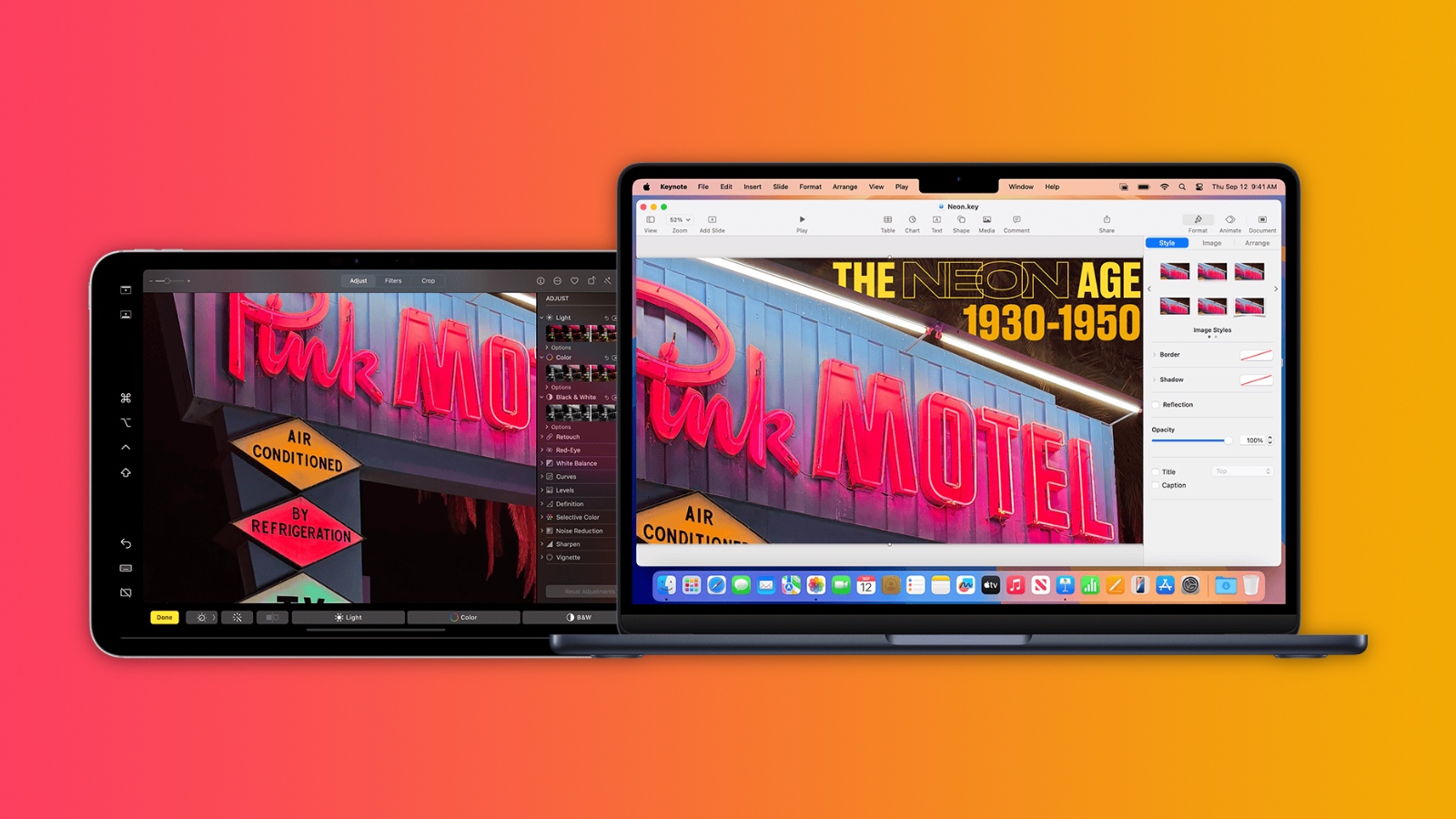
Apple has added direct touch input to Sidecar with macOS 27 Golden Gate and iPadOS 27, allowing users to tap and interact with macOS interface elements using a finger on their iPad for the first time.
Previously, Sidecar was deliberately limited as a touch interface. While multi-touch gestures like two-finger scrolling, pinch-to-zoom, and three-finger editing gestures for copy, cut, paste, and undo have been supported for years, directly tapping to click links, open apps, or interact with macOS UI elements was not possible with a finger. Those interactions required either the Mac’s connected mouse or trackpad, or an Apple Pencil.
The new Direct Touch capability closes that gap. In macOS 27, users can can now tap, swipe, and interact with macOS apps on their iPad screen using a finger, bringing Sidecar closer to how third-party tools like Luna Display have worked for some time. Apple Pencil support continues alongside the new touch capabilities.
ICYMI: You can now use touch controls on your Mac display with Sidecar on iPad! 👀 pic.twitter.com/KOErLtoZCA
— BLCNYY (@BLCNYY) June 9, 2026
The expanded Sidecar functionality requires an Apple Silicon Mac running macOS 27 Golden Gate and a compatible iPad running iPadOS 27. As with previous versions of the feature, both devices must be signed into the same Apple ID, connected to the same Wi-Fi network, and have Bluetooth enabled, with the two devices within 10 meters of each other.
The feature is likely another indication of impending touch support on the Mac, along with other features like pull-to-refresh. Apple is said to be planning to launch a “MacBook Ultra” as a new top-tier laptop with a touchscreen OLED display, an M6-series chip, the Dynamic Island, and a thinner design. Reports suggest that the device is scheduled to launch in early 2027.
This article, “macOS 27 Finally Brings Direct Touch Control to Sidecar” first appeared on MacRumors.com
Discuss this article in our forums
macOS 27, Sidecar
MacRumors: Mac News and Rumors – All Stories
[crypto-donation-box type=”tabular” show-coin=”all”]